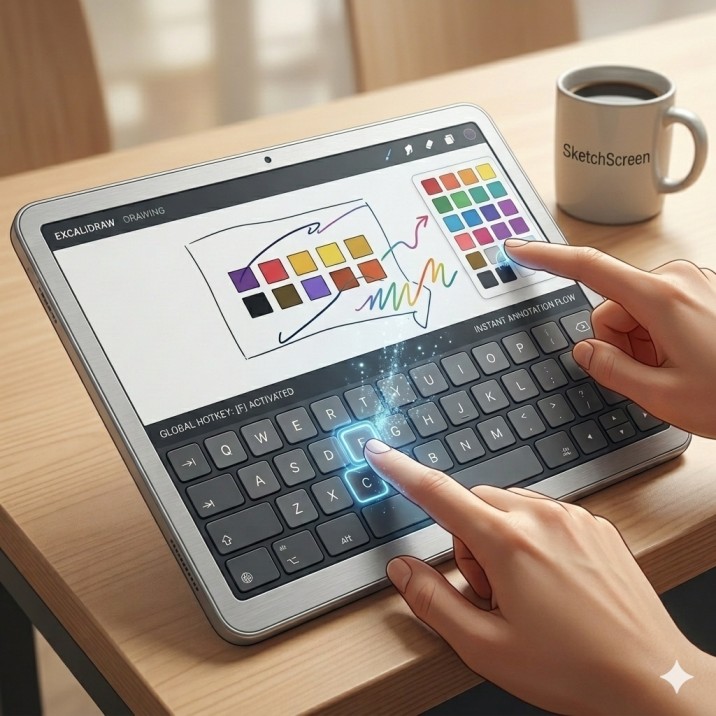
I've talked to a lot of teachers since launching SketchScreen. Not surveys. Actual conversations, the kind where someone tells you more than you asked for.
One thing keeps coming up. It's not the feature list. It's not the price. It's whether they can show a colleague how it works in under 30 seconds.
The restaurant test
Teachers recommend tools the same way they recommend restaurants. Not because of the menu, but because they watched someone use it and immediately wanted to try it. "You just press this, and then you can draw right on the screen" is a complete pitch. If that sentence lands, the sale is basically done.
The feature that makes that sentence possible isn't annotation. It's the global hotkey.
One key, any app
One key. Any app. No switching windows, no digging through a toolbar, no "hang on, let me pull this up." You're mid-lesson, something on your screen needs circling, you press the key, you circle it, you keep talking. That's it.
I didn't design it to be impressive. I designed it because everything else I tried broke my flow. You'd have to stop, open the tool, switch back, lose your place. By then the moment was gone.
Teachers feel that exact friction. A good classroom moment has maybe a 10-second window. If your tool takes 15 seconds to activate, you've already missed it.
The staff-room demo
What I didn't expect is how much the hotkey matters for word of mouth specifically. When a teacher shows another teacher something in a staff room or a Zoom call, they don't have time for a demo. They have 20 seconds while someone's refilling coffee. The hotkey is the demo. Press it, draw something, done.
That's the whole pitch, and it fits in the time it takes to walk back to your desk.
SketchScreen hotkey
In case of sketchscreen, the hotkey is Ctrl + Shift + D!
one thing that you can do is that you can use the hotkey to toggle the window visibility