Can't explain it?
Just draw it live.
Annotate right on your screen with fast, fluid tools built for presentations, tutorials, meetings, and teaching on Windows and macOS.
The all-in-one annotation toolkit
Everything you need for clear, beautiful, and instant on-screen drawing.
Freehand Drawing
Draw naturally with smooth, responsive strokes
Arrows & Shapes
Perfect lines, circles, and shapes every time
Highlighter
Emphasize important content with semi-transparent highlights
Blur & Pixelate
Hide sensitive information instantly
Laser Pointer
Guide attention without leaving permanent marks
Color Palette
Choose from a rich selection of colors
Undo / Redo
Mistakes? No problem. Perfect control over every action
Move & Resize
Reposition and resize annotations with ease
See it in action
Rectangle Annotation
Laser Pointer
Disable Transparency
Shape Settings
Shape Move&Resize
Quick access to everything you need
The SketchScreen toolbar is always accessible yet stays out of your way. Switch tools, colors, and styles instantly.
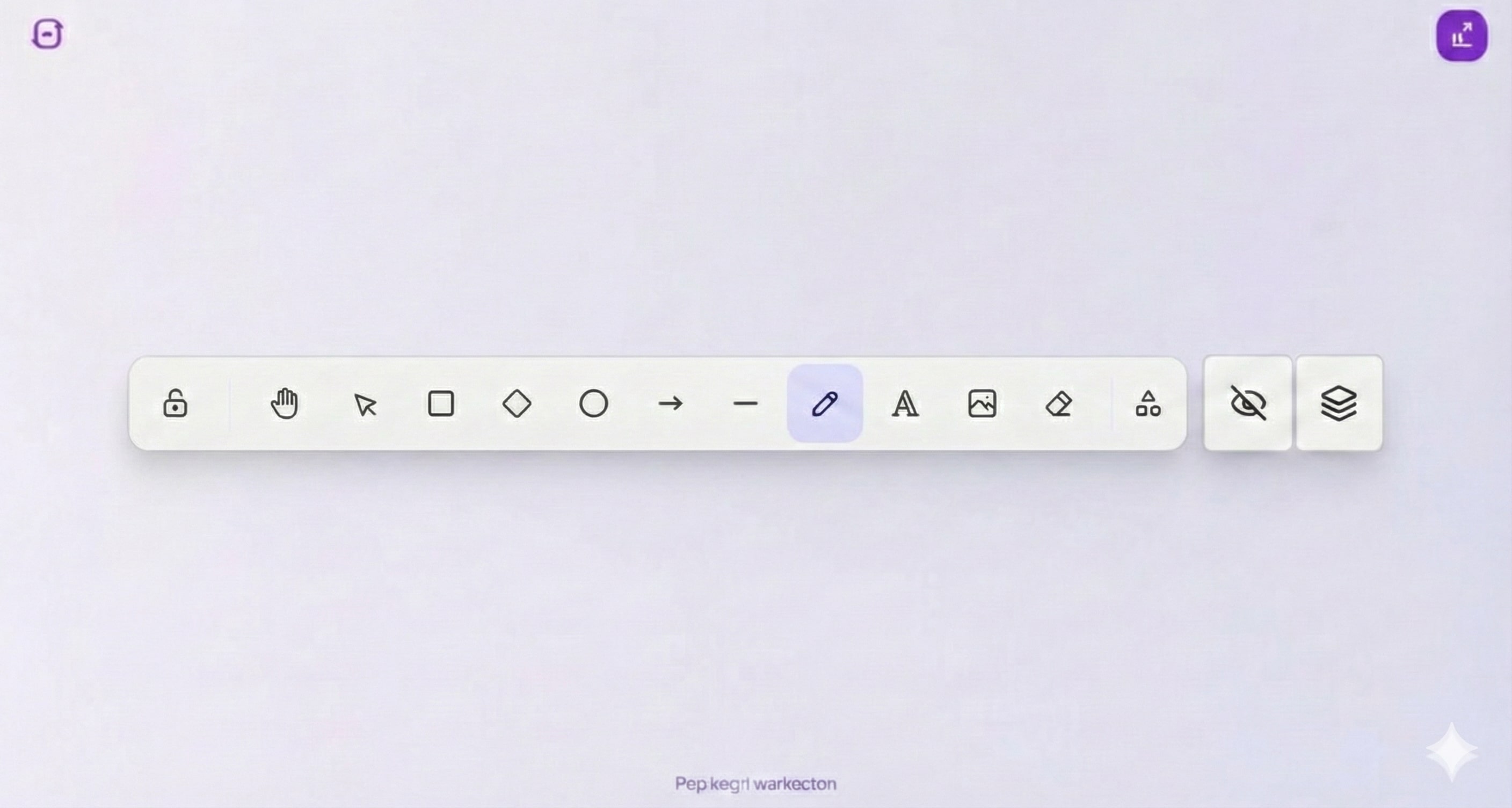
Annotate anything on your screen
SketchScreen works seamlessly on top of any application - browsers, slides, documents, videos, and more - across Windows and macOS.
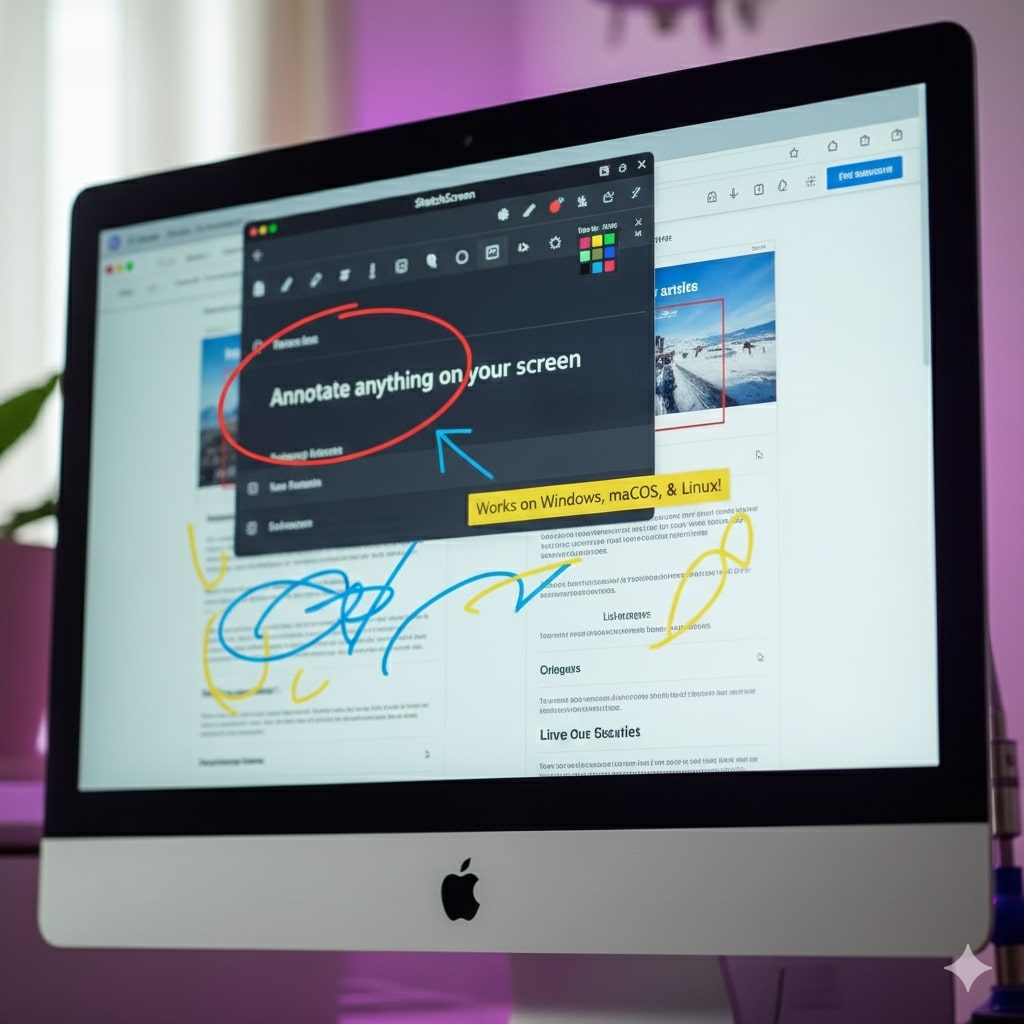
Live Presentations
Draw over live presentations
Content Highlighting
Highlight important content
Privacy Protection
Blur sensitive areas
Visual Elements
Shapes, arrows, callouts
Collaboration
Whiteboard collaboration mode
Performance
Smooth and fast performance
Perfect for professionals
Trusted by professionals worldwide
See what our users have to say about SketchScreen
"SketchScreen has transformed how I conduct code reviews and technical presentations. It's fast, smooth, and easy to use."
"My students love when I use SketchScreen during lectures. It's so much more engaging than traditional whiteboards, and it works perfectly on all platforms."
"As a YouTuber creating educational content, SketchScreen is essential. The annotation tools are intuitive and the multi-platform support means I can work anywhere."
"The best annotation tool I've used. Clean interface, powerful features, and completely free. Our entire team is on board."
How We Compare
See how SketchScreen stacks up against Epic Pen and Presentify
Move & Resize Annotations
Stroke Style
Shape Style Filling
Color Palette
| Feature | SketchScreen | Epic Pen | Presentify |
|---|---|---|---|
| Move & Resize Annotations | |||
| Stroke Style | |||
| Shape Style Filling | |||
| Color Palette | Unlimited | 16 (Free) / 24 (Pro) | 5 colors + gradient |
Download & Pricing
Choose the plan that works best for you
Free
Get started with SketchScreen
- ✓Core tools (Pencil, Rectangle, Text)
- ✓Unlimited colors & styling
- ✓Layers & Zoom
Pro
Yearly billing
Save 37% with annual billing
- ✓Everything in Free
- ✓Premium tools (Laser, Hand, Shapes)
- ✓Full Shortcuts
Multiple License
For teams and organizations
- ✓Bulk pricing
- ✓Easy license management
- ✓Dedicated support
Frequently Asked Questions
Everything you need to know about SketchScreen